How to set up social media for your municipality
Many municipalities find that maintaining a strong online presence requires more than just a website; it often includes social media as well. But knowing which platform to use and how to set it up can feel overwhelming. Even when the choice is narrowed down to Facebook, deciding between a Page and a Group can be confusing. Here’s a closer look at the difference between the two and which option might best suit your municipality.
What are Pages and Groups used for?
Facebook is a powerful tool for boroughs to share information and engage with their residents. However, the best way to share that information depends on your goals and audience. Facebook offers two main methods: pages and groups. They are similar in many ways, but with a few tricky differences that make it difficult to choose one over the other.
Pages are public, meaning anyone with a Facebook profile can view your content. While some interactions can be limited, there is little control over who can access it. This is ideal for broadcasting announcements and sharing public information.
Groups offer lots of control over who can reach your content, giving you the ability to moderate exactly who can find the content. However, not everyone will be able to view the content posted within a group. This is useful for community discussion and local areas.
Facebook Pages for Municipalities
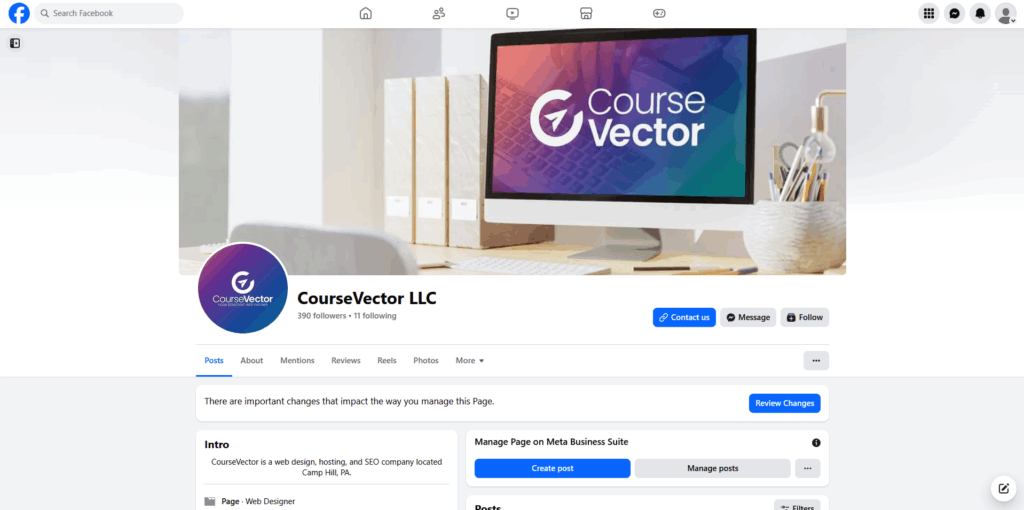
Pages serve as the public face of an organization, and will usually be the first thing visitors see. This makes them very useful for public announcements and updates since the content will be seen by any Facebook user. Most posts on Facebook are on a page since they get significantly more traffic. Pages still can have administrators, moderators, editors, and even custom roles to help manage interactions and upload content. Multiple users can work together to run the page, making post upload permissions less tedious. Because Page posts are visible to anyone on Facebook (even non-followers) and are indexed in Facebook’s search system, they’re ideal for promoting events, sharing updates, and maintaining a consistent public presence.
Facebook pages also show up in Google searches. While they are no replacement for an actual website, this can be helpful when you’re trying to establish a strong and unified online presence. Additionally, you can link to a Facebook page right from your municipal website or even include the feed on your website.
Use cases for municipalies:
- Public announcements and updates
- Record retention notices
- Community reminders
- Brand awareness and outreach
NOTE: May trigger right to know requests but should probably not be used to facilitate right to know requests.
Groups for Governments
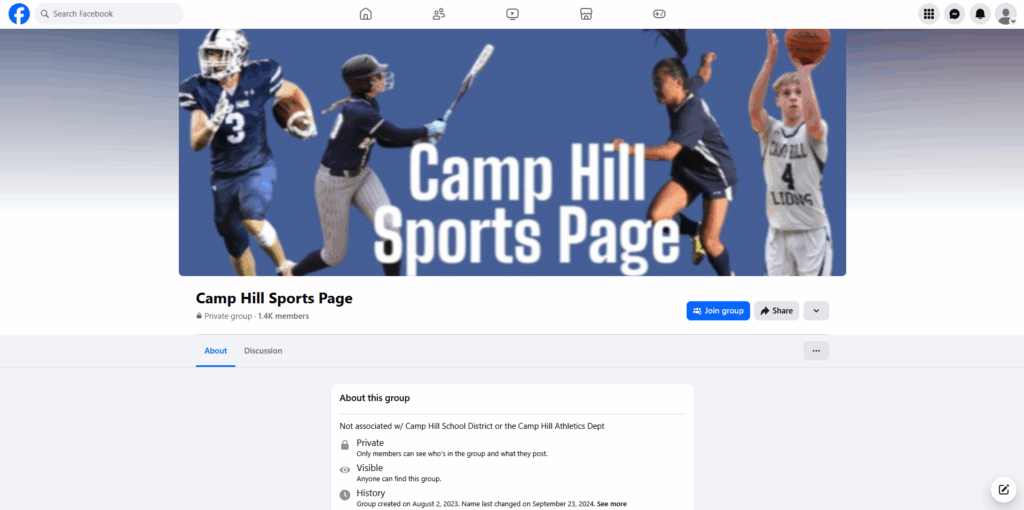
Groups are designed for community interaction and discussion rather than public broadcasting. Depending on privacy settings, a group can be fully open, closed, or private, meaning administrators can control who joins and what they see. This makes Groups well-suited for smaller, interest-based communities or private discussions. Unlike Pages, posts in Facebook Groups come from individual members’ profiles, which creates a more casual and conversational tone. However, this informality can make it harder for an organization to maintain a professional voice. Additionally, since Groups may limit visibility, they can create transparency challenges for municipal administrators sharing official information.
Use cases for Groups:
- Small or neighborhood communities
- Local updates and discussions
- Two-way conversations or feedback
Be Mindful of Laws
In Pennsylvania, municipal communication is governed by specific laws designed to promote transparency. The Sunshine Act, for example, outlines detailed requirements for posting and sharing public information. Similar laws exist in other states. Social media activity may also fall under these regulations, particularly when it comes to record retention. Posts and pages may need to be archived and made accessible in response to Right-to-Know requests. It’s essential to understand which information must be archived, which rules apply, and who within your municipality is responsible for managing and retrieving these records, including those on social media.
Choosing Between Pages and Groups
While pages are generally more useful for boroughs than groups, be sure not to discount them entirely. Depending on your specific needs, consider which option is right for your type of content.
As a general rule of thumb:
- Use Pages for public information and official communication. This is usually the more appropriate choice for official municipalities.
- Use Groups for private discussions and community engagement. This is usually more appropriate for community groups (think sports and interest groups, “friends of” and neighborhood groups).
It’s always best to check with your solicitor to see which format works best for your municipality. By choosing the right format for your content, your municipality can communicate more effectively and build stronger connections with residents.
Social Media Policy Best Practices
If you’d like a document to take with you to your solicitor’s office to get you started, feel free to use our SAMPLE document. We aren’t lawyers. We’re just a bunch of web designers who want our clients to be successful online. Therefore, we cannot provide you with any sort of legal advice. That’s your solicitor’s job. But we’re certainly happy to give you a head start! The sample document encompasses more than just social media! It should absolutely be tailored to your organization.
This information is provided for educational purposes. Consult with an attorney to ensure your compliance.